Post in your community and organize topics
Write posts and announcements, pin the important ones, and group posts by topic.
Write a post
On Community, tap Share a question or a win….
If your community has topics, pick a Topic. Add a Title and your text, then tap Post. Tick Pin to the top to keep an important post first.
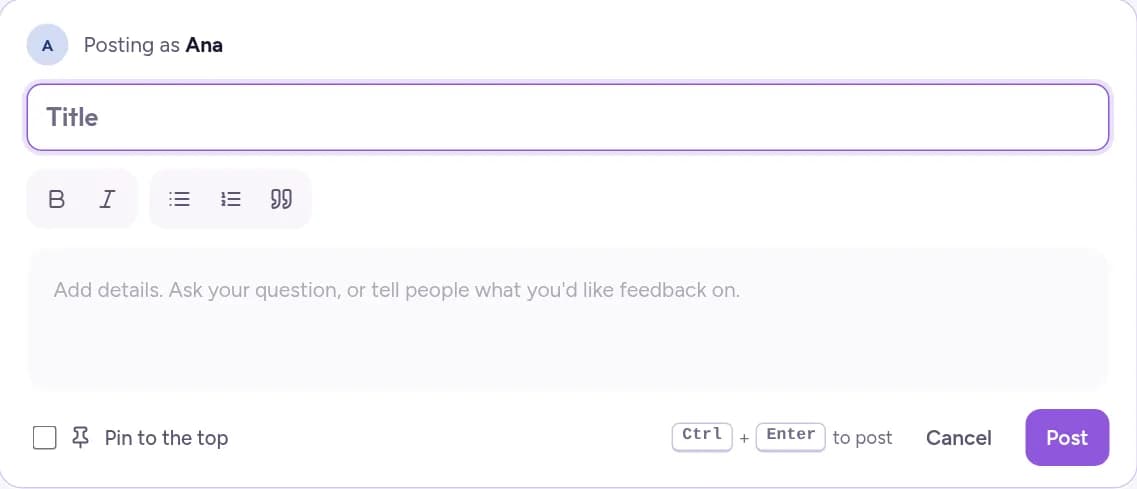
Start with a welcome post: when your classes happen, where the recordings are and how to ask for feedback. While your feed is empty, Write a welcome post fills in a draft for you. Pin it so new members see it first.
Group posts by topic
Go to Admin, then Post topics, and tap Add topic.
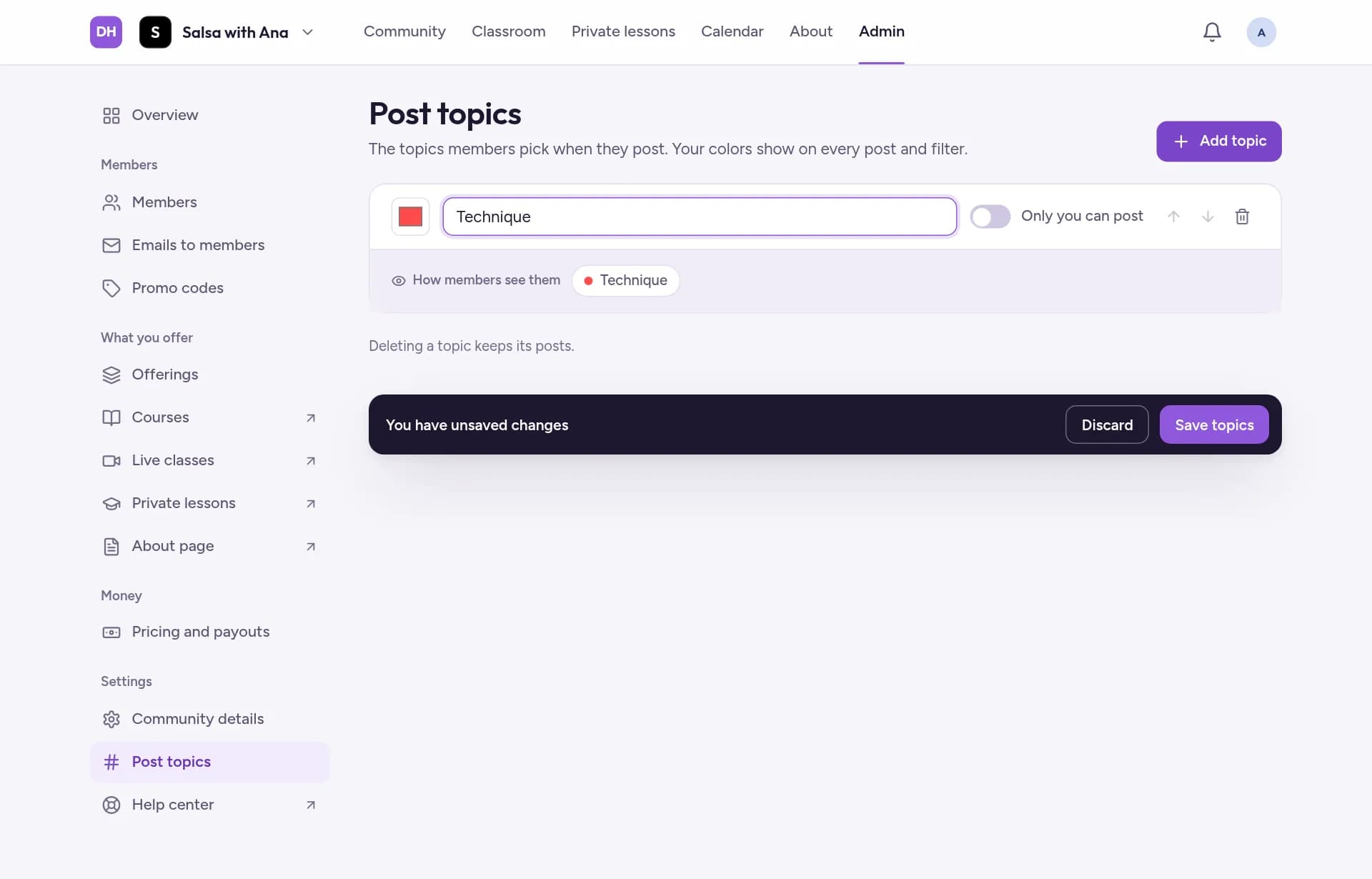
Write a Topic name, for example Technique or Announcements, and pick its color. Turn on Only you can post for news that only you share.
Tap Save topics. Members then choose a topic when they post.