Open or close your community to new members
Choose whether people can join now, sign up before you open, or not join at all.
Change who can join
Open your community and tap Manage community, at the top of the community page. On a phone you can also tap More at the bottom of the screen, then Admin.
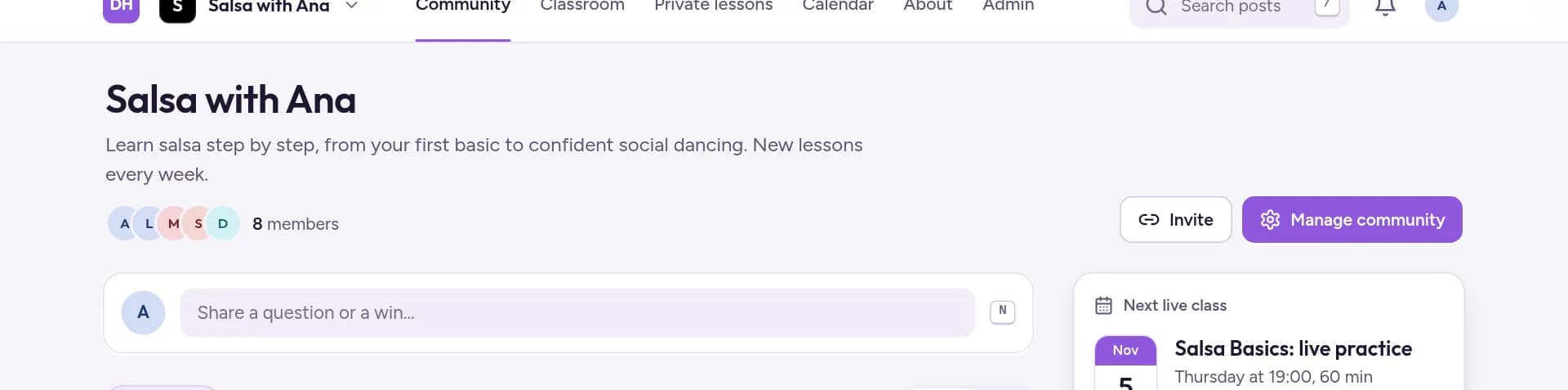
Choose Community details in the admin menu, then scroll down to Who can join.

Pick a Status, then tap Save changes in the bar that appears at the bottom.
The three options
- Open: members can join. Anyone can join right away, for free or by paying your price.
- Pre-registration: members sign up now, pay on opening day. Use it before you launch: set the Opening date and time, and people who sign up are charged on that date.
- Closed to new members. Nobody new can join. Members who already joined keep their access.
Once someone has pre-registered, the status and the opening date are locked, so nobody is charged on a date they didn't agree to.
What visitors see when it's closed
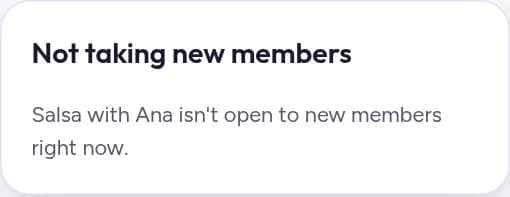
Your About page shows Not taking new members instead of the Join button. If someone tells you they can't join, check this setting first.