Offer private lessons
Create a lesson type with its price and cancellation policy, add the times students can book, and teach booked lessons by video.
Before you start
Students pay for each lesson when they book it, so set up payouts first.
Create a lesson type
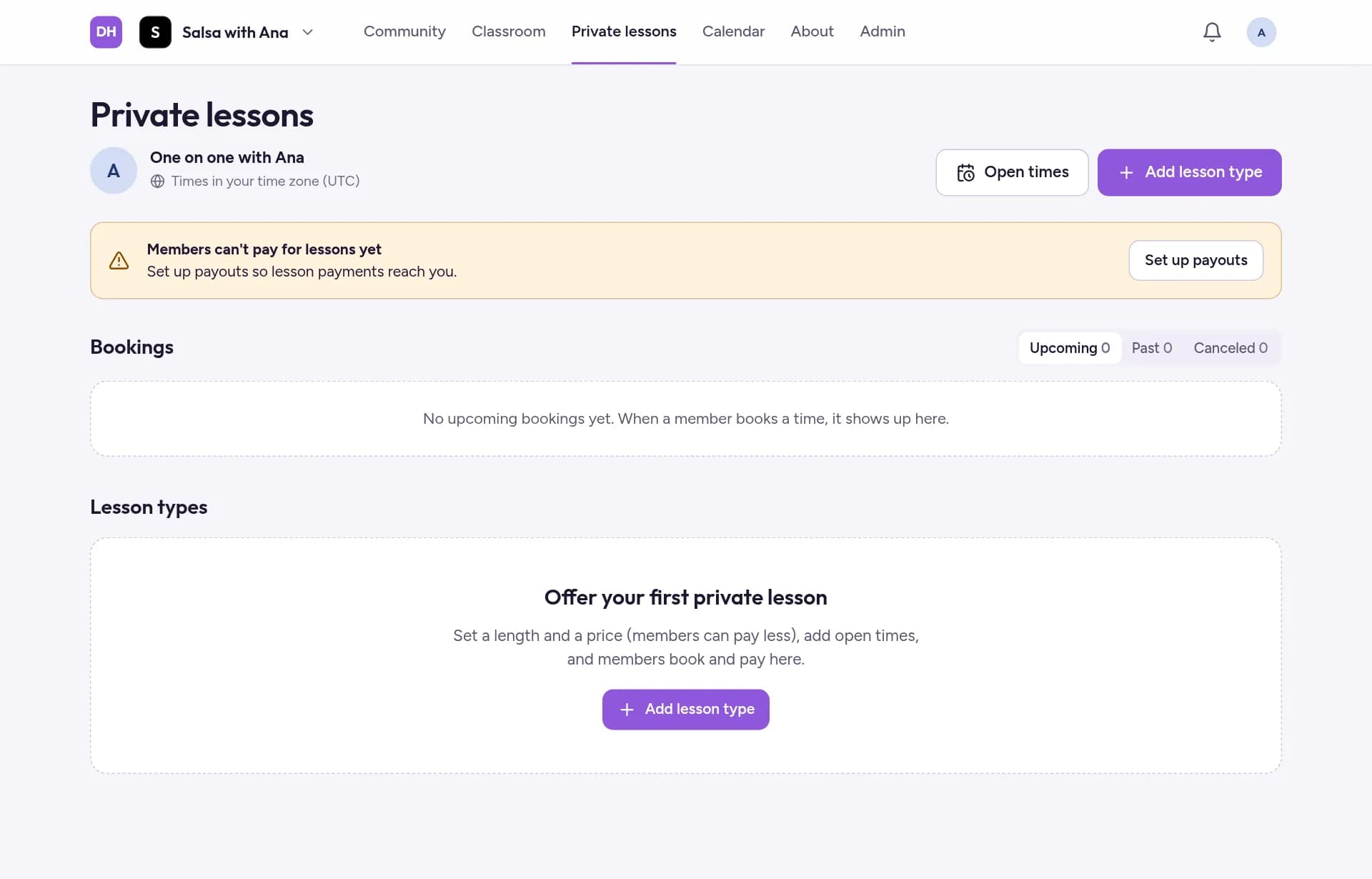
Go to Lessons (Private lessons on a wide screen) and tap Add lesson type.
Give it a Title and a Description, and choose its Length. You can limit how many lessons of this type can be booked each month, across all students.
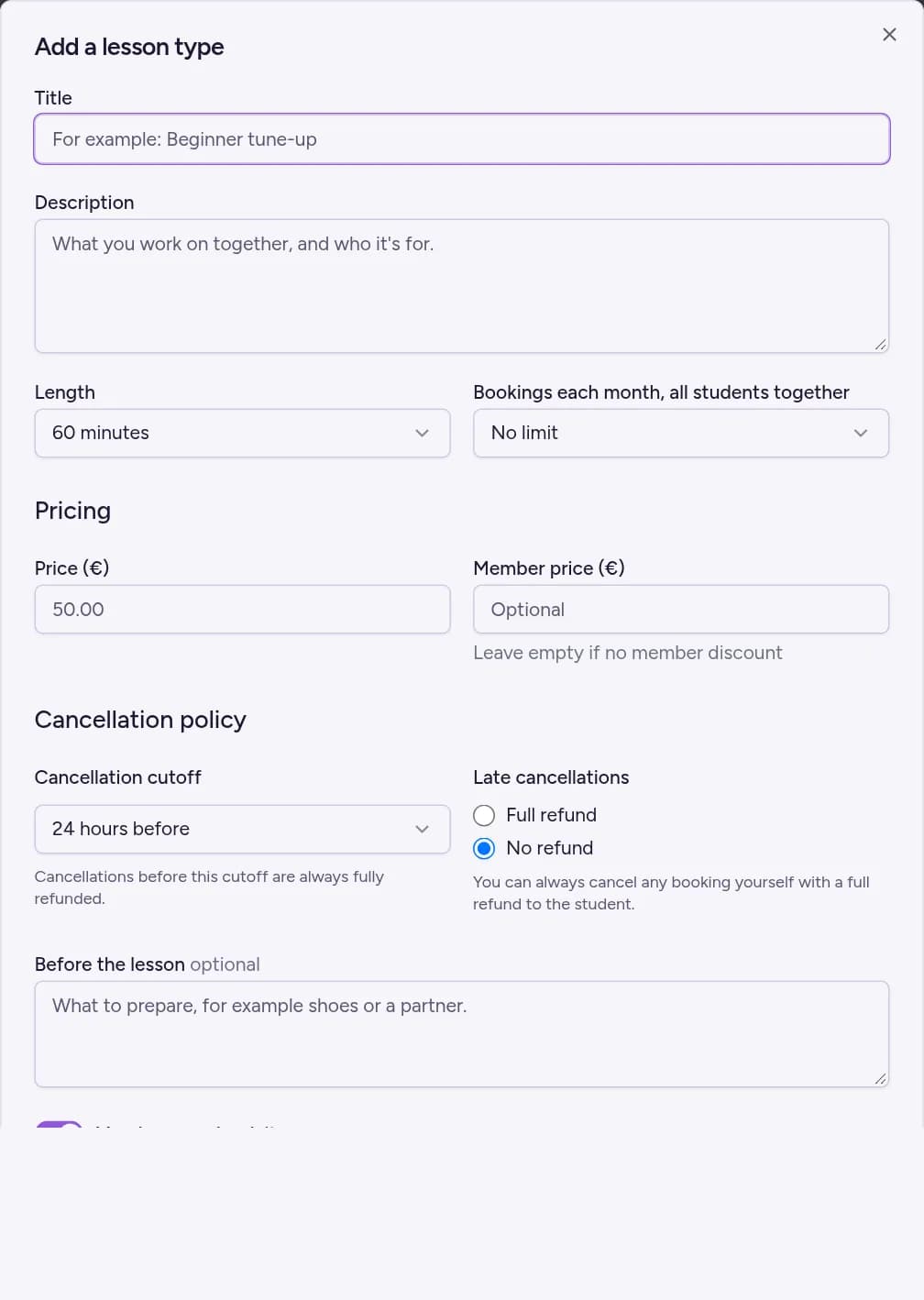
Set the Price (€), and optionally a lower Member price (€) for members of your community.
Choose the Cancellation cutoff: until how long before the lesson a student who cancels gets a full refund. Under Late cancellations, choose what a later cancellation gets: Full refund or No refund. Then tap Create Private Lesson.
Add the times students can book
Tap Open times and pick a day in the calendar.
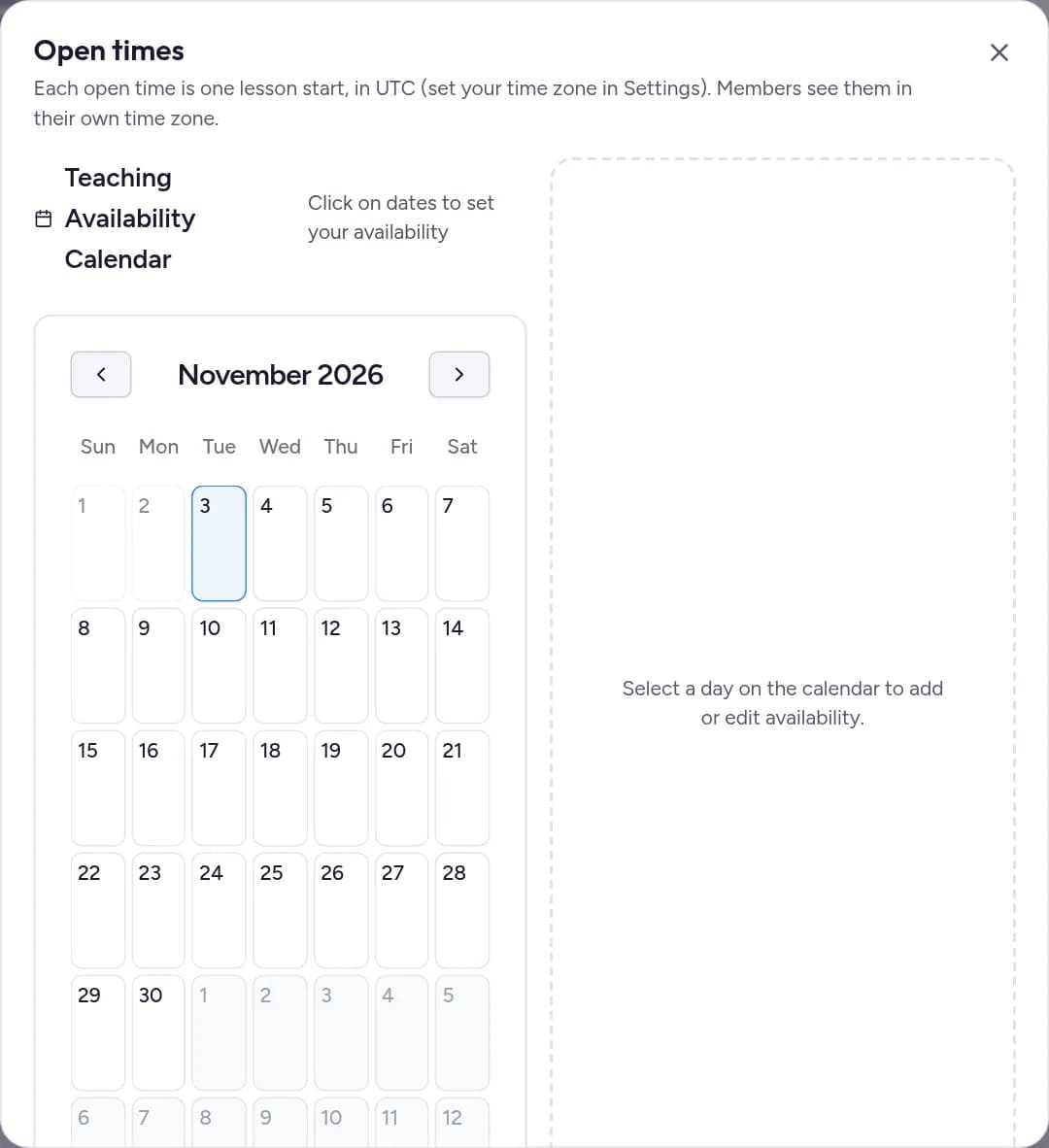
Set From and To, then tap Add slot. Each slot is one lesson, booked at its From time, so for three lessons in an evening, add three slots.
Open times use the time zone in your Settings. Students see them in their own time zone.
Teach a booked lesson
Booked lessons appear under Bookings and in your Calendar. From 15 minutes before the start, tap the booking, then Join lesson. On the next screen, tap Join Lesson to enter the video room. Your student joins the same way.